Bar color seems to be changing drastically when changing opacity levels or just on/off. Here a couple examples.
This is on a preset colorscheme.
Bar color seems to be changing drastically when changing opacity levels or just on/off. Here a couple examples.
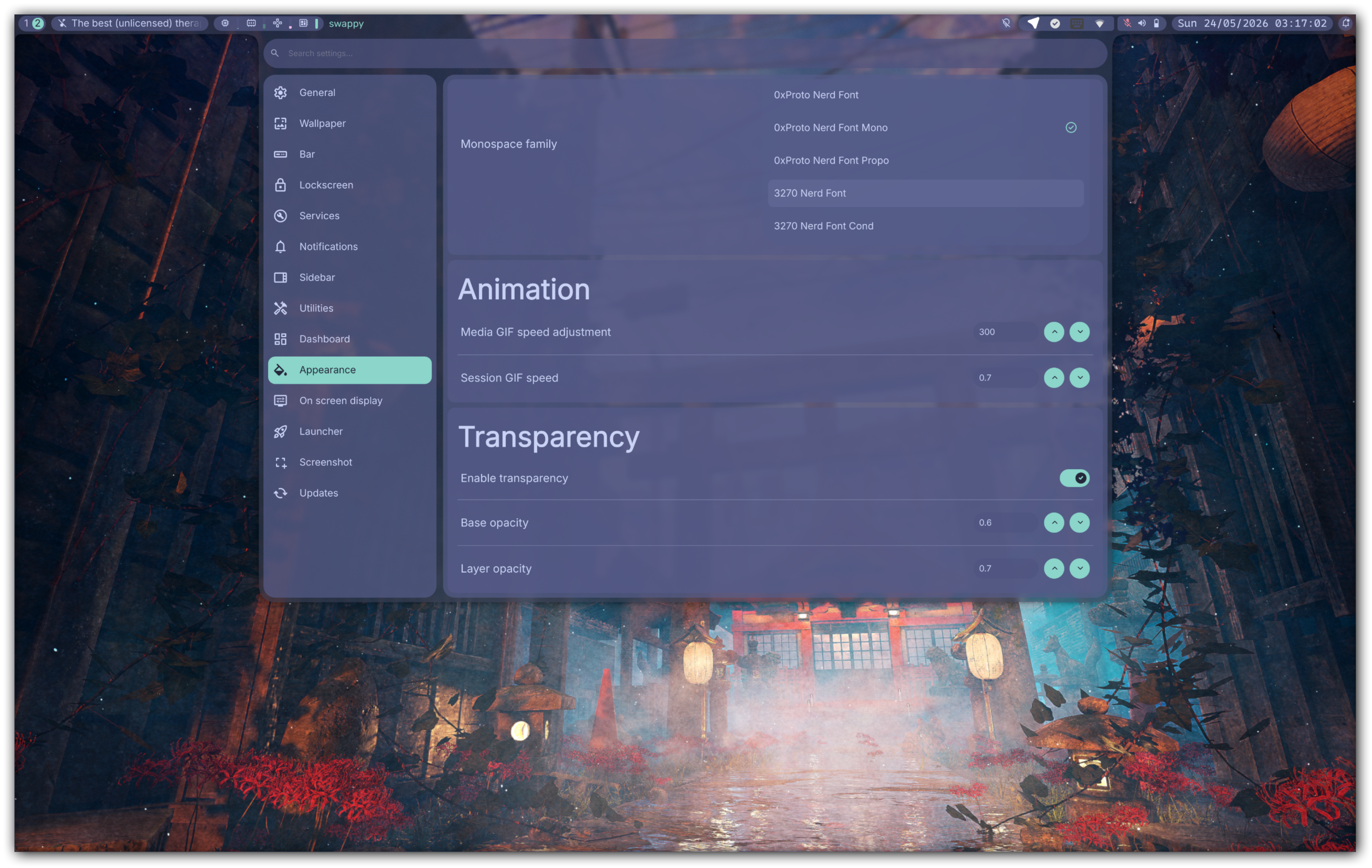
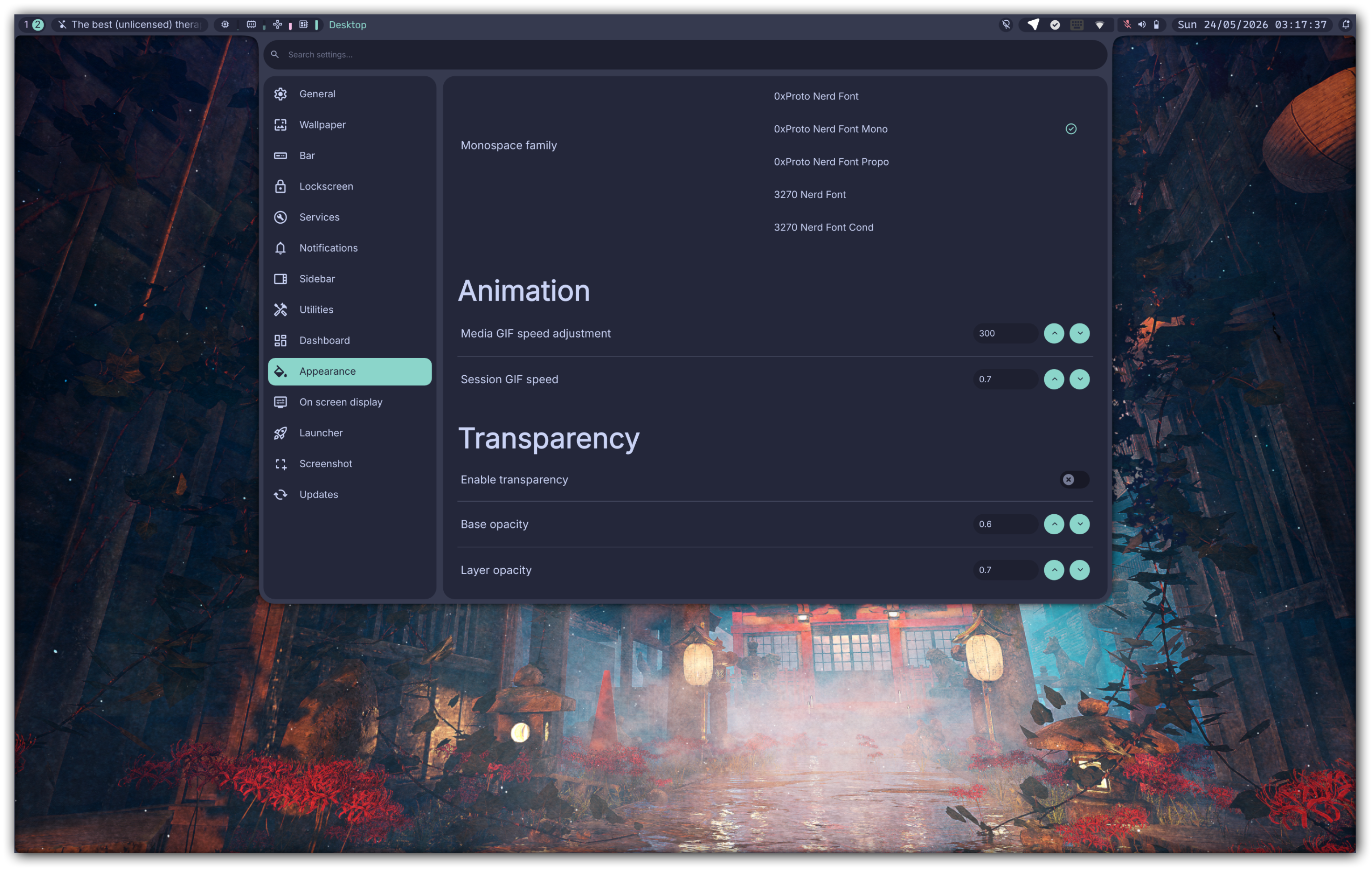
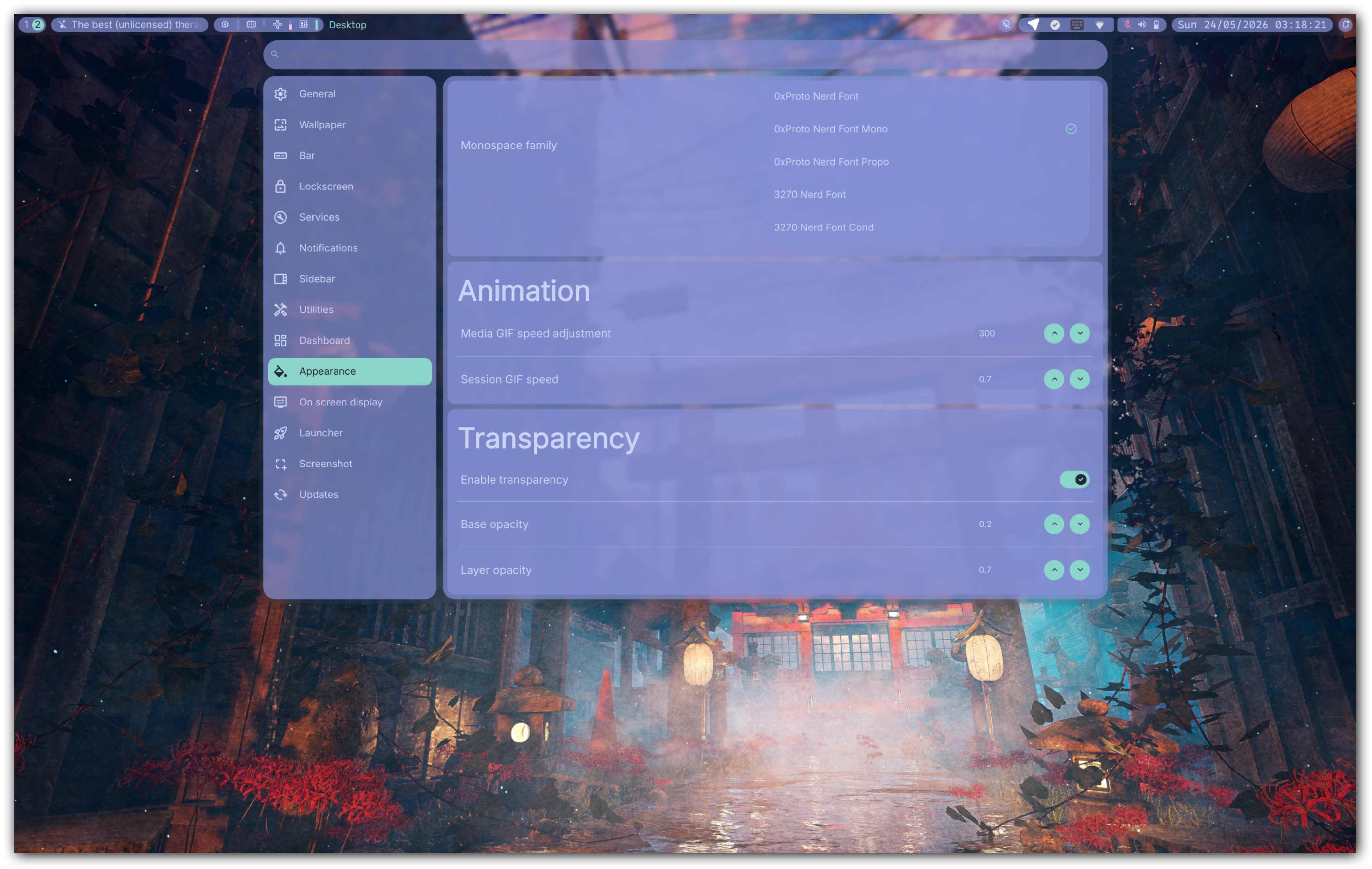
This is on a preset colorscheme.
Pretty sure linked lines is the culprit. I'd imagine my extensive use of the layer() method with a layer value of > 0 is contributing to this. I'll see if I can fix it.
Pretty sure linked lines is the culprit. I'd imagine my extensive use of the `layer()` method with a `layer` value of `> 0` is contributing to this. I'll see if I can fix it.
https://git.zach-dev.cc/zach/z-bar-qt/src/commit/ad57764636b486cc867644607ad28808f7fa378a/Config/DynamicColors.qml#L32-L42
Blocking a user prevents them from interacting with repositories, such as opening or commenting on pull requests or issues. Learn more about blocking a user.


Bar color seems to be changing drastically when changing opacity levels or just on/off. Here a couple examples.
This is on a preset colorscheme.
Pretty sure linked lines is the culprit. I'd imagine my extensive use of the
layer()method with alayervalue of> 0is contributing to this. I'll see if I can fix it.